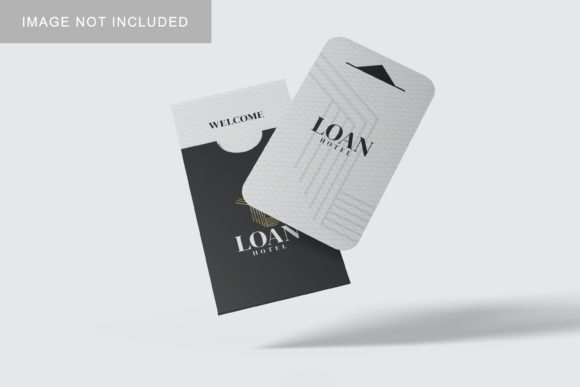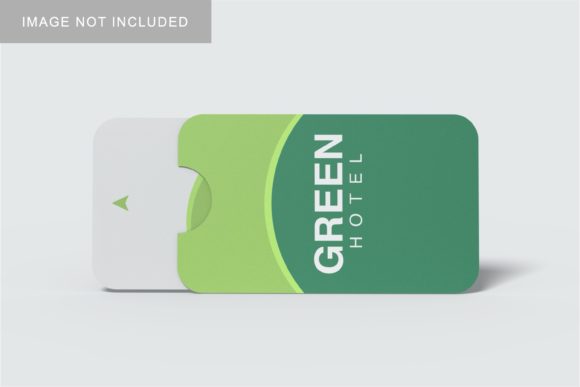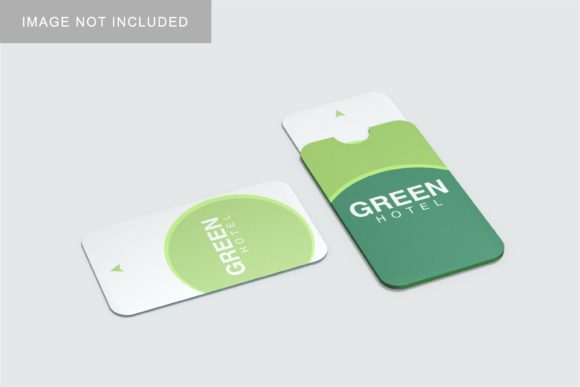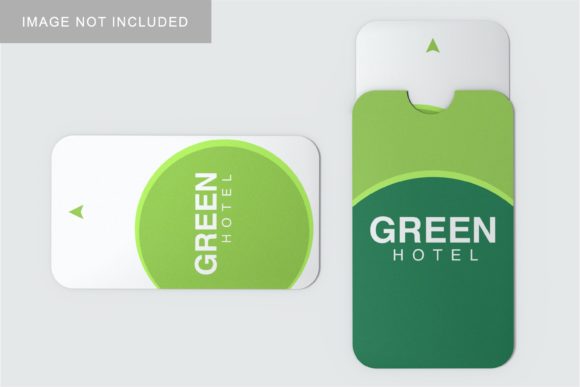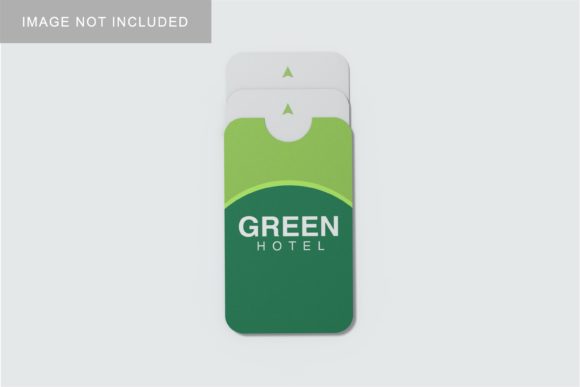
Card Holder Mockup V4
In the landscape of professional design presentation, the difference between a good portfolio and a great one often lies in how the work is contextualized. A flat image of a business card or a credit card holder looks functional but lacks depth. It fails to convey texture, material quality, and real-world scale. This is where Card Holder Mockup V4 becomes an essential asset in your creative workflow. It is not merely a template; it is a tool for visual communication that bridges the gap between digital file and physical reality.
This resource is designed specifically for professionals who need to showcase their designs in a realistic 3D display without investing hours in complex rendering software. Whether you are a freelancer pitching to a client, a small business owner preparing marketing materials, or a designer building a brand identity package, the ability to present your work professionally can significantly influence decision-making. The mockup provides a high-fidelity environment where your graphics take center stage, allowing stakeholders to visualize the final product accurately.
Understanding the Technical Foundation
Before diving into application, it is crucial to understand the technical specifications that make this mockup effective. The file is provided in PSD Photoshop format, which is the industry standard for raster-based graphic editing. This compatibility ensures that almost every designer, from beginners to experts, can utilize the asset without needing specialized 3D modeling software like Blender or Cinema 4D. The inclusion of smart-object features is the primary driver of its efficiency.
The resolution is set at 300 dpi with dimensions of 3000x2000 px. These numbers are not arbitrary; they represent print-ready quality. When you are presenting a mockup to a client, showing them a low-resolution web preview undermines the perceived value of your work. By providing a high-DPI file, Card Holder Mockup V4 ensures that even if the image is printed for a large-format poster or a detailed portfolio book, the edges remain crisp and the textures legible. This attention to detail signals professionalism and respect for the client’s time and expectations.
Integrating Smart-Objects into Your Workflow
The core functionality of this mockup relies on Photoshop’s smart-object technology. For those unfamiliar with the term, a smart object is a container that holds raster or vector image data from another file. In the context of Card Holder Mockup V4, this means you do not need to manually mask, warp, or blend your designs onto the card holder surface. Instead, you replace the existing layer, and the mockup automatically adjusts perspective, lighting, and shadows to match the new content.
This feature drastically reduces the time spent on repetitive tasks. Consider a scenario where you have created three different variations of a logo for a client: minimalist, bold, and vintage. Without smart objects, you would spend twenty minutes adjusting each variation individually. With Card Holder Mockup V4, you can swap these designs within seconds. This speed allows for rapid iteration, enabling you to present multiple options confidently during a meeting. It shifts the dynamic from "I will send you revised versions later" to "Here are the options right now," which is a powerful advantage in sales and negotiation.
- Preparation: Ensure your source design is sized appropriately for the smart object placeholder. While the mockup handles distortion, starting with a correctly proportioned canvas prevents unnecessary stretching or cropping.
- Execution: Double-click the smart object thumbnail in the Layers panel. This opens a new tab containing only the design area. Make your edits here, save the changes (Cmd/Cmd + S), and return to the main document to see the update instantly.
- Quality Control: Zoom in to check for aliasing or blurring around text elements. Since the mockup applies filters like drop shadows and inner glows, ensure your original design has sufficient contrast to remain readable.
Strategic Use Cases Across Different Industries
The utility of Card Holder Mockup V4 extends far beyond simple graphic design firms. Its versatility makes it suitable for a wide array of professionals who deal with branding and physical products.
For Freelancers and Agencies
When submitting proposals, visuals speak louder than words. Using this mockup allows freelancers to create cohesive brand kits that include business cards, letterheads, and envelopes displayed together. It helps clients understand the holistic nature of the brand. Furthermore, agencies can use these mockups for social media teasers. A high-quality 3D render of a card holder generates more engagement on platforms like Instagram and LinkedIn than a flat JPEG, driving organic traffic to your portfolio.
For Entrepreneurs and Small Business Owners
Many entrepreneurs skip the prototyping phase due to cost concerns. However, having a visual representation of your business card before printing helps avoid costly mistakes. You can experiment with color schemes, font sizes, and layout adjustments digitally. If the design looks cluttered or unbalanced in the mockup, it will likely look the same in print. Using Card Holder Mockup V4 serves as a low-risk testing ground, ensuring that the final printed product aligns with your vision.
For Educators and Content Creators
Educators teaching graphic design principles can use this mockup to demonstrate concepts like hierarchy, whitespace, and typography in a realistic context. Similarly, bloggers and publishers creating tutorials can use the mockup to illustrate step-by-step guides. The included PDF help guide simplifies the learning curve, making it an excellent resource for workshops or online courses where participants need to achieve professional results quickly.
Customization and Environmental Control
A static background can sometimes distract from the design itself. One of the standout features of Card Holder Mockup V4 is the changeable background-color option. This flexibility allows you to tailor the presentation to specific contexts. For a corporate pitch, a neutral gray or white background might convey stability and professionalism. For a creative agency or a lifestyle brand, a vibrant or textured background can enhance the mood and emotional impact of the design.
This capability also aids in consistency across marketing channels. If your website uses a specific brand color palette, you can adjust the mockup’s background to match, creating a seamless visual experience when embedding the image in emails, websites, or presentations. It eliminates the jarring effect of mismatched backgrounds and reinforces brand identity subconsciously.
Practical Implementation Tips
To get the most out of this asset, consider the following practical observations regarding organization and long-term use.
File Organization: As you generate multiple variations, keep your project files organized. Create separate folders for each client or project within your Photoshop workspace. Naming conventions such as "ClientName_CardMockup_v1" help maintain clarity, especially when collaborating with team members.
Lighting and Shadows: While the mockup comes with pre-set lighting, experimenting with subtle adjustments to shadow opacity can add realism. Sometimes, slightly darkening the shadow can ground the object better, preventing it from looking like it is floating. Conversely, softening the shadow can create a lighter, airier feel appropriate for certain brands.
Resource Management: Be aware that the photos used in the preview images are for illustration purposes only and are not included in the download. This is a standard practice in the mockup industry to keep file sizes manageable and avoid licensing issues. However, it means you should focus entirely on your own graphic assets rather than trying to integrate stock photography unless you are comfortable sourcing and licensing them separately.
Conclusion on Efficiency and Impact
In a competitive market, the presentation of your work is as critical as the work itself. Card Holder Mockup V4 offers a streamlined solution for professionals who value efficiency without compromising on quality. By leveraging smart-object technology, high-resolution outputs, and customizable environments, it empowers users to showcase their designs in a realistic 3D display that resonates with clients and audiences alike.
Integrating this tool into your routine transforms the way you approach design delivery. It reduces friction in the review process, enhances the perceived value of your services, and provides a versatile platform for experimentation. Whether you are launching a new startup, refining a personal brand, or managing a large-scale client project, having access to reliable, easy-to-use mockups is a strategic advantage. It allows you to focus less on the technicalities of rendering and more on the creative impact of your ideas.
Ultimately, the goal of any designer or creator is to communicate effectively. This mockup removes barriers to clear communication by providing a familiar, tangible context for digital designs. It turns abstract pixels into concrete objects, helping stakeholders visualize success before a single sheet of paper is printed. For anyone serious about their craft, incorporating Card Holder Mockup V4 into their toolkit is a practical step toward more professional, persuasive, and polished outcomes.