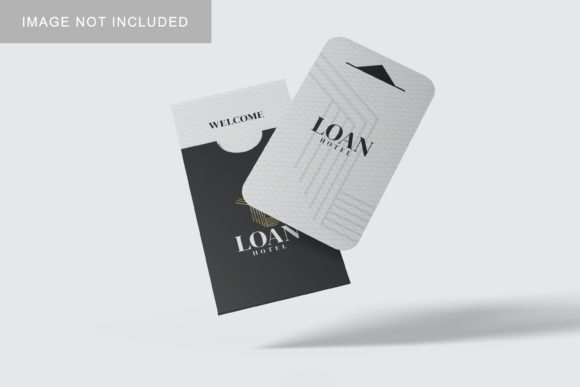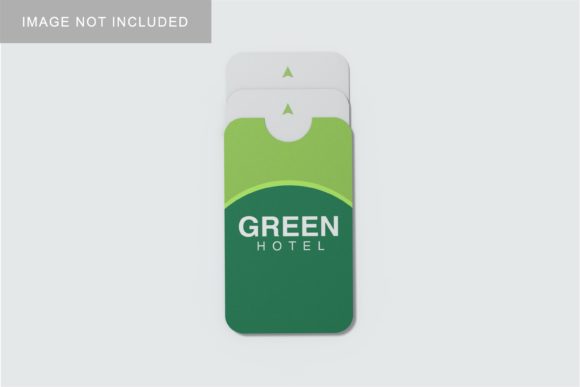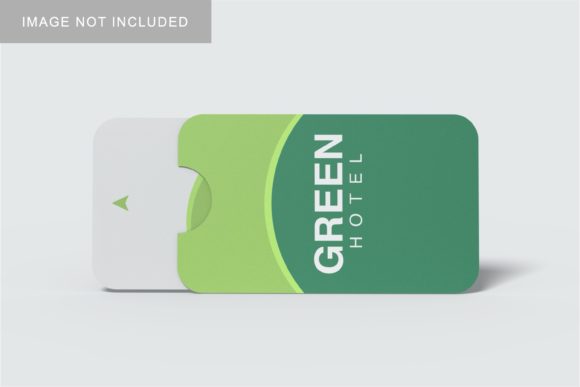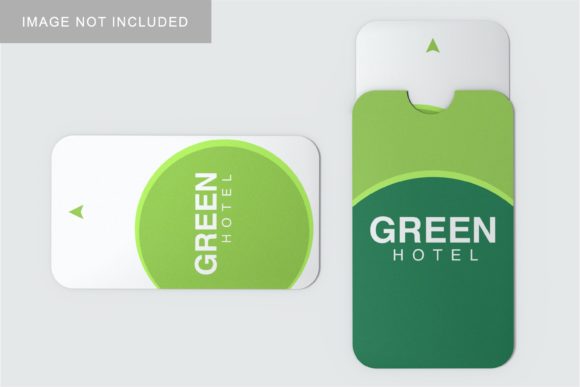
Card Holder Mockup V2
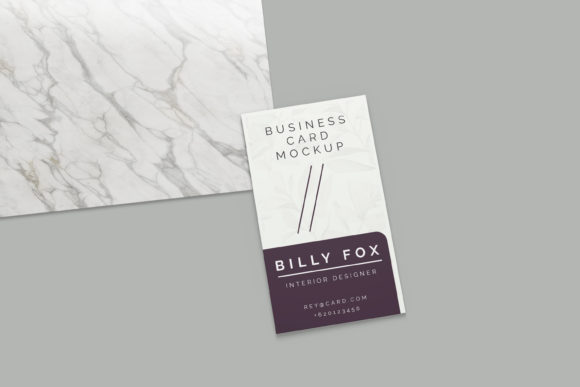
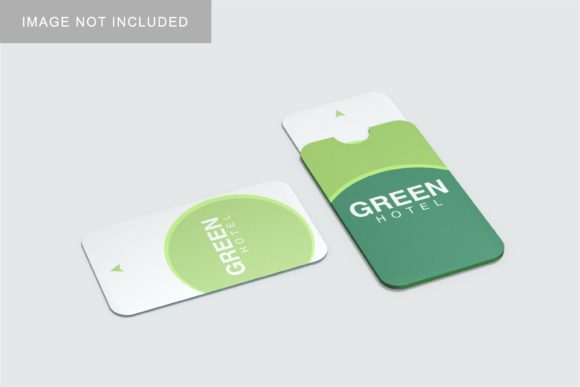
When you are designing a business card or a premium card holder, the visual presentation is just as critical as the graphic design itself. A flat image of a logo on a white background rarely conveys the tactile quality and professional weight of your brand. This is where Card Holder Mockup V2 becomes an essential tool for designers, marketers, and small business owners who need to showcase their work in a realistic 3D display. It bridges the gap between a digital file and a physical product, allowing you to visualize how your design interacts with light, texture, and form.
However, simply downloading a mockup template is not enough to guarantee a professional result. Many creators fall into common traps when using these resources, leading to unrealistic renderings that can undermine the credibility of their portfolio or marketing materials. Understanding the specific features of Card Holder Mockup V2—and knowing what to watch out for—can save you hours of frustration and ensure your final output looks polished and authentic.
Why Realistic Presentation Matters
In today’s competitive market, first impressions are digital. Whether you are pitching a rebranding project to a client, listing services on a freelance platform, or showcasing products on an e-commerce site, the quality of your visuals directly impacts perceived value. A high-quality mockup does more than just show off a design; it tells a story about the material, the finish, and the intended user experience.
Card Holder Mockup V2 is designed to facilitate this storytelling. By providing a 3000x2000 pixel canvas at 300 dpi, it ensures that your images remain crisp even when zoomed in or printed for large-format displays. The realistic 3D aspect allows potential clients to "see" the depth and dimensionality of the card holder, making the design feel tangible before it is ever manufactured. For freelancers and agencies, this level of detail can be the deciding factor in winning a contract or securing a sale.
Common Mistakes When Using PSD Mockups
While tools like Card Holder Mockup V2 are powerful, they require a bit of technical know-how to use effectively. One of the most frequent errors beginners make is ignoring the layer structure within the Photoshop (PSD) file. These files often contain multiple layers for shadows, highlights, textures, and the smart object itself. If you flatten the image prematurely or delete layers thinking they are unnecessary, you lose the ability to adjust lighting and perspective later. Always keep the original layered PSD intact until your final export.
Another significant pitfall is mismanaging the smart-object workflow. Smart objects are the engine behind easy design replacement, but they can be confusing if you do not understand how they link back to the main document. A common mistake is opening a smart object, editing the design, and then closing it without saving. In Photoshop, you must explicitly save the changes inside the smart object window for them to update in the main mockup. Failing to do so results in static, outdated designs that defeat the purpose of using a dynamic template.
The Importance of Resolution and Scaling
Resolution is another area where many users stumble. While Card Holder Mockup V2 offers a generous 3000x2000 px size, it is crucial to understand that scaling down a design is safe, but scaling up beyond its native resolution will result in pixelation. If your source design is low-resolution, pasting it into the high-fidelity mockup will expose those flaws immediately. Always ensure your vector or high-res raster files are prepared before inserting them into the smart object. Additionally, check the DPI settings of your Photoshop workspace to match the 300 dpi requirement of the mockup to avoid any automatic resampling that could soften your edges.
Leveraging Smart-Object Features for Efficiency
The true strength of Card Holder Mockup V2 lies in its smart-object features. These allow you to replace the current designs with your own within seconds, streamlining the process of creating variations for different clients or brands. To use this feature correctly, double-click the thumbnail of the smart object layer in the Layers panel. This opens a new tab containing your design. Make your edits here, save the file (Ctrl+S or Cmd+S), and switch back to the main window to see the updated mockup automatically.
This non-destructive editing method is invaluable for professionals who need to present multiple design options quickly. Instead of manually positioning and warping each design onto the card holder, the smart object handles the perspective mapping and blending modes. This saves time and reduces the risk of human error, such as misalignment or incorrect shadow placement. For educators and trainers, demonstrating this workflow can also teach students about efficient design practices and file management.
Customization Beyond the Design
One of the standout features of this mockup is the ability to change the background color. This versatility allows you to adapt the presentation to suit different branding contexts or aesthetic preferences. Whether you want a clean white background for a minimalist look or a dark, moody tone for a luxury vibe, the adjustable background adds another layer of professionalism to your presentation. However, be mindful of contrast. Ensure that your card holder design stands out against the chosen background. If the background is too similar in tone to the card holder, the subject may get lost, reducing the impact of the image.
Additionally, while the mockup provides a realistic base, remember that photos used in previews are for illustration purposes only. They are not included in the download. This means you are responsible for sourcing or creating the initial design elements. Do not assume that the mockup comes with pre-made graphics. Treat it as a blank canvas ready for your unique creative input.
What to Check Before You Start
Before diving into the design process, take a moment to review the accompanying PDF help guide. This document often contains specific instructions on layer naming, smart object activation, and recommended software versions. Skipping this step can lead to compatibility issues, especially if you are using an older version of Photoshop that does not support certain smart object features. Furthermore, verify that your system meets the memory requirements for handling 3000x2000 px files at 300 dpi. Large files can slow down performance if your computer lacks sufficient RAM, so closing other applications during editing can improve efficiency.
Final Thoughts on Quality and Satisfaction
Choosing the right mockup tool is an investment in your professional image. Card Holder Mockup V2 offers a robust solution for showcasing designs in a realistic 3D display, provided you approach it with the right techniques. By avoiding common pitfalls like improper layer management, neglecting resolution limits, and misunderstanding smart object workflows, you can produce stunning visuals that accurately represent your work. Remember, the goal is not just to display a design, but to communicate its quality and potential. With careful attention to detail and a practical understanding of the tools available, you can elevate your presentations and achieve greater satisfaction in your creative projects.