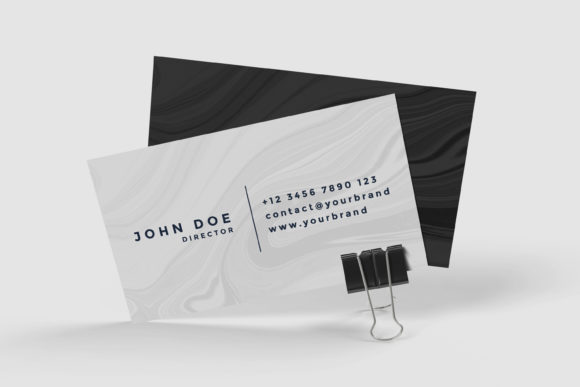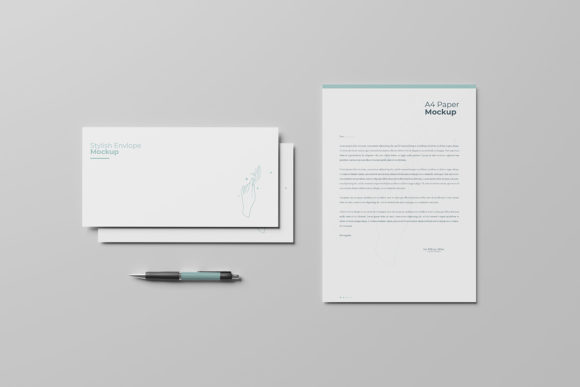
Business Stationery Mockup
In the competitive landscape of graphic design and branding, the presentation of a concept is often as critical as the concept itself. A logo on a flat screen rarely conveys the weight, texture, and professionalism of a finished brand identity until it is applied to physical touchpoints. This is where high-fidelity visualization tools become indispensable. The Business Stationery Mockup serves as a specialized resource designed to bridge the gap between digital creation and tangible reality. It is not merely a template; it is a professional-grade asset intended for designers who need to showcase their work with clarity and precision.
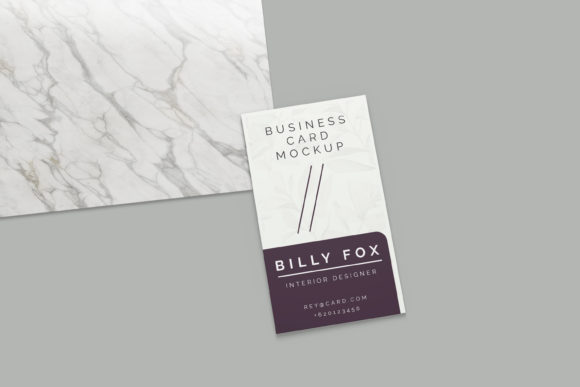
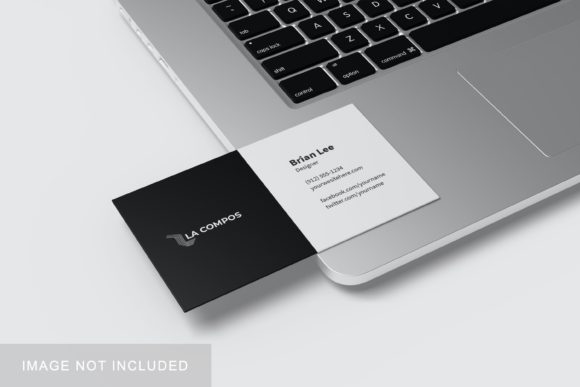
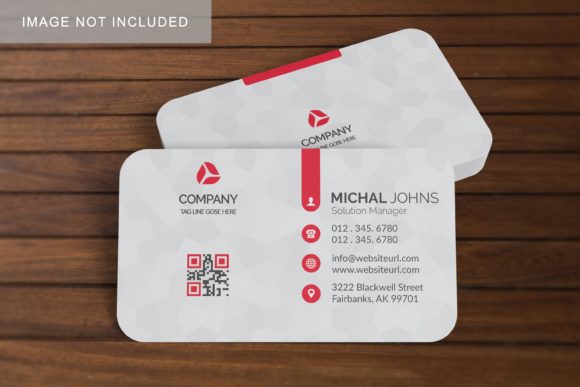
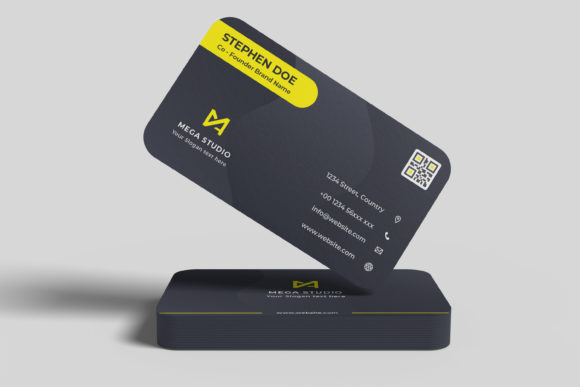
This tool is particularly relevant for freelancers, agency owners, and in-house creative teams who frequently present brand guidelines or stationery suites to clients. By providing a realistic 3D display environment, the mockup allows designers to demonstrate how business cards, letterheads, envelopes, and other collateral interact with space and light. The following analysis explores the technical specifications, usability, and practical applications of this PSD-based mockup, evaluating its suitability for various professional workflows.
Core Functionality and Technical Specifications
At its foundation, the Business Stationery Mockup is built within the Adobe Photoshop ecosystem, leveraging the power of Smart Objects to streamline the design process. For professionals accustomed to rapid iteration, the ability to swap out designs without disrupting the underlying lighting, shadows, and perspective is a significant time-saver. The file structure is organized to allow users to replace the current designs with their own artwork within seconds. This efficiency is crucial during client presentations, where last-minute changes are common and time is a scarce resource.
The resolution and dimensions of the mockup are tailored for both digital viewing and high-quality print reproduction. With a size of 3000x2000 pixels at 300 dpi, the asset provides sufficient detail for large-format displays or detailed zoom-ins in portfolio reviews. This resolution ensures that text legibility and graphic sharpness remain intact, preventing the pixelation that can undermine the perceived quality of a brand identity. Furthermore, the inclusion of changeable background colors adds a layer of versatility. Designers can isolate the stationery against neutral tones to emphasize the design elements or use colored backgrounds to create specific moods that align with the brand’s aesthetic.
- Format: PSD (Photoshop) file compatible with recent versions of Adobe Creative Cloud.
- Resolution: 300 DPI, ensuring print-ready quality for portfolios and pitch decks.
- Dimensions: 3000x2000 pixels, offering a wide aspect ratio suitable for web and print.
- Customization: Smart Object layers for easy design replacement and editable background colors.
Evaluating Usability and Workflow Integration
One of the primary concerns when adopting new design assets is the learning curve. The Business Stationery Mockup addresses this by prioritizing ease of use. The interface relies on standard Photoshop functionalities, meaning that most intermediate to advanced users will find the workflow intuitive. However, for those less familiar with Smart Objects, the inclusion of a PDF help guide is a valuable addition. This documentation serves as a quick reference, reducing friction and allowing users to focus on the creative output rather than troubleshooting technical issues.
The realistic 3D display feature is not just a visual gimmick; it is a functional tool for testing design consistency. When presenting a stationery suite, it is vital to show how different elements—such as a logo on a card versus a letterhead—work together. The mockup’s perspective and lighting model provide a consistent environment, allowing designers to assess contrast, alignment, and color accuracy in a simulated real-world context. This helps identify potential issues, such as low-contrast text or awkward spacing, before the files go to print.
Additionally, the flexibility of the smart-object features means that the mockup can be adapted for various types of stationery. Whether showcasing a minimalist business card or a complex multi-panel brochure, the underlying structure supports diverse design layouts. This adaptability makes the asset a versatile component of a designer’s toolkit, suitable for projects ranging from small business startups to corporate rebrands.
Professional Observations on Quality and Presentation
The effectiveness of any mockup lies in its realism. If the lighting appears artificial or the textures lack detail, the entire presentation can feel disconnected from reality. The Business Stationery Mockup aims to mitigate this by providing a clean, professional aesthetic. The 3D rendering is subtle, avoiding overly dramatic angles that might distract from the design itself. Instead, it offers a balanced view that highlights the typography and graphic elements clearly.
However, it is important to note that the photos used in the preview images are for illustration purposes only and are not included in the download. This is a standard practice in the industry, but it places the onus on the user to ensure their own designs integrate seamlessly with the mockup’s lighting and shadow effects. Designers should pay attention to the scale and placement of their graphics to match the perspective of the mockup. Misalignment or incorrect scaling can break the illusion of realism, regardless of the mockup’s inherent quality.
From a reliability standpoint, the PSD format ensures broad compatibility. As long as the user has access to Photoshop, the file can be opened and edited without dependency on proprietary software or cloud services. This offline capability is beneficial for agencies working with sensitive client data or those with limited internet connectivity. The stability of the file structure also suggests long-term value; unlike trendy, ephemeral design trends, a well-constructed mockup remains useful as long as the designer continues to produce print collateral.
Ideal Use Cases and Target Audience
While the Business Stationery Mockup is broadly applicable, certain groups will derive the most benefit from its specific features. Freelance graphic designers, in particular, can leverage this asset to enhance their client proposals. A polished presentation can justify higher fees and increase the likelihood of project approval. Similarly, marketing agencies can use the mockup to visualize brand extensions, showing clients how their identity system translates across various physical mediums.
Entrepreneurs and small business owners who handle their own branding may also find value in this tool. Even if they do not perform the final design work, having a realistic preview of their stationery can aid in decision-making regarding font choices, color palettes, and layout structures. Educators and students in design programs can utilize the mockup to teach principles of presentation and brand application, providing a structured framework for assignments.
Bloggers and content creators focused on design resources can also incorporate this mockup into their tutorials or review articles. Its clear functionality and professional appearance make it a reliable subject for educational content. The key to maximizing its utility is understanding the context in which it is used. It is not a substitute for actual print proofs, but rather a powerful communication tool that enhances the narrative around a design project.
Practical Recommendations and Limitations
To get the most out of the Business Stationery Mockup, users should approach it with a strategic mindset. Start by preparing your designs in a vector format, such as AI or EPS, to ensure scalability. When placing these designs into the Smart Objects, verify that the bleed areas and safe zones are respected to avoid cropping issues in the final render. Experimenting with the background color can also significantly impact the perception of the brand; lighter backgrounds tend to convey cleanliness and simplicity, while darker backgrounds can suggest luxury or sophistication.
It is also advisable to maintain a library of multiple mockups. Relying solely on one type of presentation can lead to repetitive visuals in a portfolio. While the Business Stationery Mockup is excellent for general stationery needs, supplementing it with packaging, apparel, or environmental graphics mockups can provide a more comprehensive view of a brand’s capabilities. This variety demonstrates versatility and depth to potential clients.
Finally, remember that the mockup is a representation, not a guarantee. Always conduct a final check with your printer or production partner to ensure that colors and finishes translate accurately from screen to paper. The mockup excels at visualizing form and composition, but material properties like paper stock, foil stamping, or embossing require additional consideration beyond what a digital file can fully capture.
In conclusion, the Business Stationery Mockup is a robust, efficient, and professionally oriented tool for designers seeking to elevate their presentations. Its combination of high-resolution output, user-friendly Smart Object integration, and realistic 3D rendering makes it a worthwhile investment for anyone serious about brand identity. By streamlining the visualization process and enhancing the perceived value of design work, it supports a more effective and confident approach to client communication.