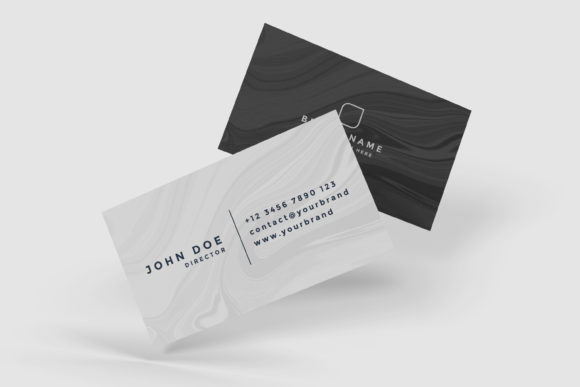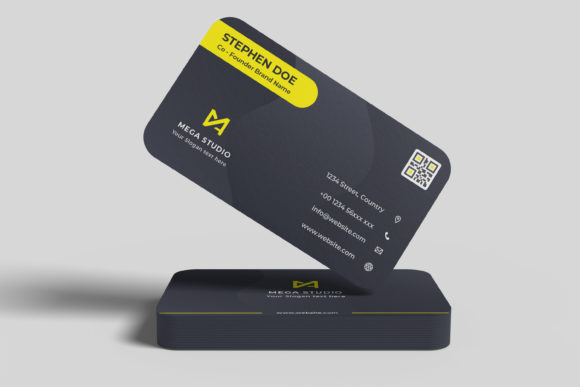
Floating Business Card Mockup V2 Evaluation
In the competitive landscape of graphic design and branding, the presentation of a final concept is often as critical as the design itself. Clients and stakeholders rarely evaluate a logo or layout in isolation; they need to see how it interacts with physical materials. This is where high-fidelity mockups become an essential tool in a designer’s workflow. Among the various options available for presenting business card designs, the Floating Business Card Mockup V2 has emerged as a popular choice for professionals seeking a realistic 3D display without the complexity of manual rendering. This evaluation explores the features, usability, and strategic value of this specific asset to help designers determine if it aligns with their portfolio and client presentation needs.
Understanding the Product: What Is Floating Business Card Mockup V2?
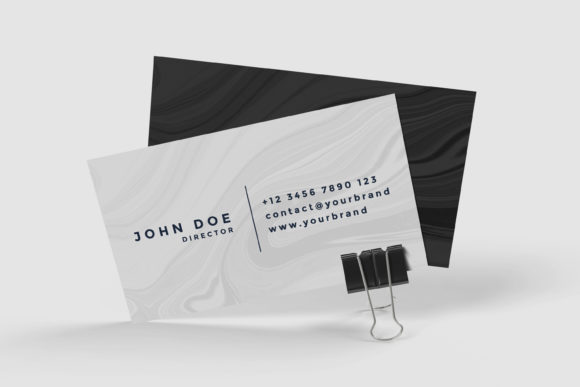
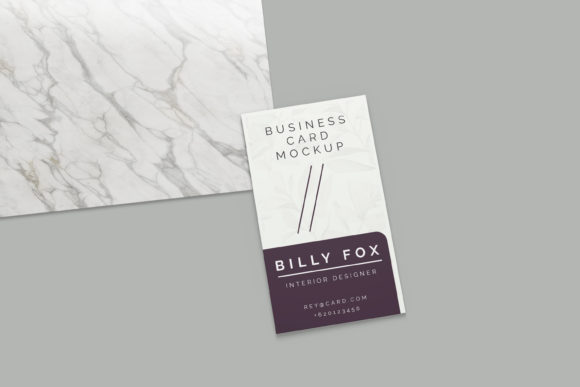
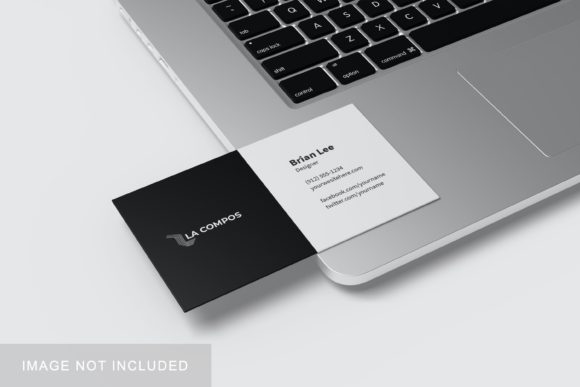
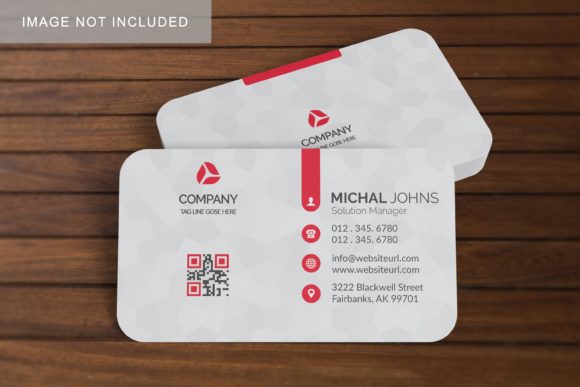
The Floating Business Card Mockup V2 is a digital template designed primarily for use in Adobe Photoshop. Its primary function is to provide a photorealistic environment in which a flat business card design can be displayed as if it were a tangible object floating in space. Unlike simple flat lay presentations, this mockup utilizes lighting, shadows, and perspective to create depth, giving the design a sense of weight and presence.
The file is delivered in PSD (Photoshop Document) format, which is the industry standard for layered image editing. The core mechanism that powers this mockup is the Smart Object feature. In Photoshop, a Smart Object allows a user to double-click a layer to open a separate window containing the original design. Once the new design is saved and closed, the main composition updates automatically. This process eliminates the need for manual warping, masking, or blending mode adjustments, significantly reducing the time required to showcase multiple design variations.
Key Features and Technical Specifications
When evaluating any digital asset, technical specifications play a crucial role in determining its utility across different platforms. The Floating Business Card Mockup V2 offers several distinct technical attributes that cater to both web-based portfolios and print-ready deliverables.
- High Resolution Output: The mockup provides a canvas size of 3000x2000 pixels at 300 DPI (dots per inch). This resolution is sufficient for high-quality printing on standard paper sizes and ensures crisp clarity when viewed on high-density displays such as Retina screens.
- Smart Object Integration: As noted, the inclusion of Smart Objects is the defining feature. It allows for rapid iteration. A designer can swap out ten different color schemes or typography choices in minutes rather than hours.
- Customizable Background: The background color is changeable. This flexibility allows designers to match the mockup to their brand aesthetic, a client’s preferred palette, or the context of a social media post. A neutral background may suit a professional portfolio, while a colored background might draw more attention on Instagram or Pinterest.
- User Support Materials: The package includes a PDF help guide. For users who are less familiar with Photoshop’s Smart Object functionality, this resource serves as a practical onboarding tool, ensuring that the asset remains accessible even to those with intermediate skill levels.
Benefits for Design Professionals
The decision to incorporate the Floating Business Card Mockup V2 into a workflow is driven by several practical benefits related to efficiency, professionalism, and versatility.
Time Efficiency is perhaps the most significant advantage. In freelance and agency environments, speed is often equated with profitability. The ability to replace designs within seconds means that a designer can spend more time refining the actual creative work rather than setting up presentation layers. When pitching to clients, having the ability to quickly show "Option A" versus "Option B" in a realistic context can accelerate the approval process.
Professional Presentation is another key benefit. A flat JPEG of a business card can appear amateurish or abstract. By placing the design onto a 3D-rendered card that floats against a clean backdrop, the designer elevates the perceived value of their work. It signals attention to detail and an understanding of how the final product will look in the real world. This visual realism helps bridge the gap between digital files and physical reality, reducing miscommunication during client reviews.
Versatility in Marketing is also enhanced by the customizable background. Whether creating content for LinkedIn, Behance, Dribbble, or a personal website, the ability to adjust the background color ensures that the mockup integrates seamlessly with the surrounding page design. This consistency strengthens personal branding and makes the portfolio look cohesive.
Considerations and Potential Tradeoffs
While the Floating Business Card Mockup V2 offers substantial advantages, it is important to approach its usage with a balanced perspective. There are limitations and considerations that designers should keep in mind.
Software Dependency is a primary constraint. Because the file is native to Photoshop and relies heavily on Smart Objects, it cannot be used in other design software like Illustrator, Canva, or Figma without conversion. Users who rely on a multi-tool workflow may find this limitation restrictive. Furthermore, older versions of Photoshop may not support all features present in newer Smart Object implementations, so compatibility checks are advisable.
Realism Limitations must also be acknowledged. While the mockup provides a realistic 3D display, it is still a static image. It does not simulate motion, texture variations beyond what is rendered, or environmental interactions like reflections on glossy surfaces unless specifically baked into the base layer. For projects requiring hyper-realistic simulations involving complex lighting interactions, specialized 3D software like Blender or Cinema 4D might offer more control, albeit with a steeper learning curve.
Generic Aesthetics can sometimes be a drawback. Since this is a pre-made template, there is a risk that the visual style may resemble other mockups found online. If many designers use the same free or premium assets, the uniqueness of the presentation can diminish. To mitigate this, designers should feel free to experiment with the background colors and angles (if the PSD allows layer manipulation) to differentiate their output.
Situational Fit: When to Use and When to Look Elsewhere
Determining whether the Floating Business Card Mockup V2 is the right tool depends largely on the specific goals of the project.
Strong Fit Scenarios:
- Rapid Client Pitches: When you need to present multiple concepts quickly to a client who values visual clarity over unique artistic presentation.
- Portfolio Building: For designers looking to populate their online galleries with high-quality images efficiently.
- Social Media Content Creation: When creating consistent, branded content for platforms like Instagram or Pinterest where visual appeal drives engagement.
- Learning Smart Objects: For junior designers practicing non-destructive editing techniques using a straightforward example.
Alternative Considerations:
- Print Production Files: If the goal is to prepare files for direct printing, a mockup is unnecessary. Vector files and print-ready PDFs are the required formats.
- Highly Customized Branding: If a client requires a very specific, unusual angle or lighting condition that differs significantly from the mockup’s default setup, investing time in custom 3D rendering might yield better results.
- Cross-Platform Workflows: If the team uses Figma or Sketch exclusively, searching for mockups compatible with those ecosystems would be more efficient.
Conclusion
The Floating Business Card Mockup V2 stands as a robust, practical tool for graphic designers who prioritize efficiency and professional presentation. Its combination of high-resolution output, easy-to-use Smart Object functionality, and customizable backgrounds makes it suitable for a wide range of applications, from client pitches to social media marketing. While it requires Adobe Photoshop and may lack the extreme customization of bespoke 3D renders, its ease of use and time-saving capabilities make it a strong candidate for most design workflows. For professionals looking to streamline their presentation process and elevate the visual impact of their business card designs, this mockup offers a reliable and effective solution.