Business Card Product Mockup V.2 Evaluation
In the competitive landscape of graphic design and branding, presenting your work professionally is as critical as the design itself. A static image file often fails to convey the tactile quality, texture, and real-world application of a business card. This is where product mockups become an essential tool in a designer’s workflow. Business Card Product Mockup V.2 offers a specialized solution for designers seeking to showcase their print designs in a realistic 3D environment. By providing a high-fidelity visual representation, this mockup allows clients and stakeholders to visualize the final product before production begins.
This evaluation explores the features, usability, and strategic value of Business Card Product Mockup V.2. It aims to help graphic designers, agency owners, and freelancers determine whether this specific PSD template aligns with their portfolio presentation needs and client communication goals.
Understanding the Core Functionality
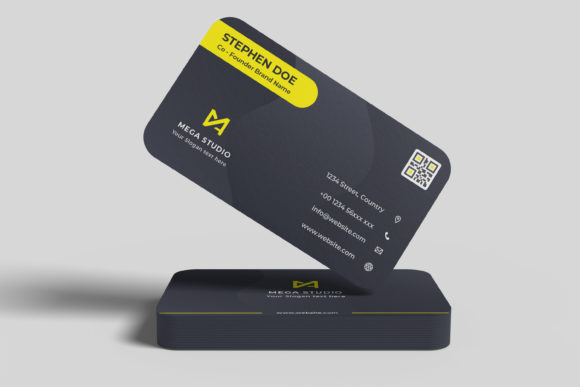
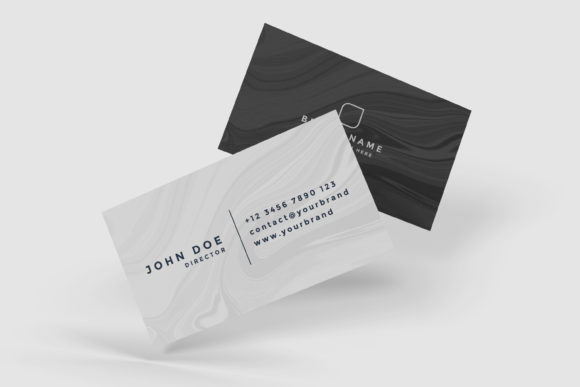
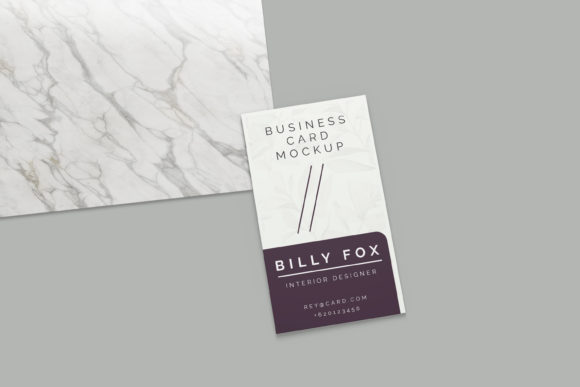
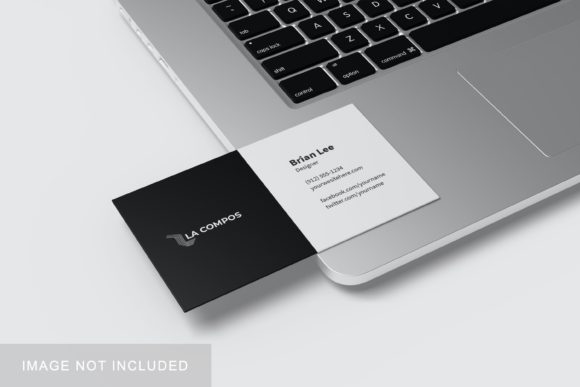
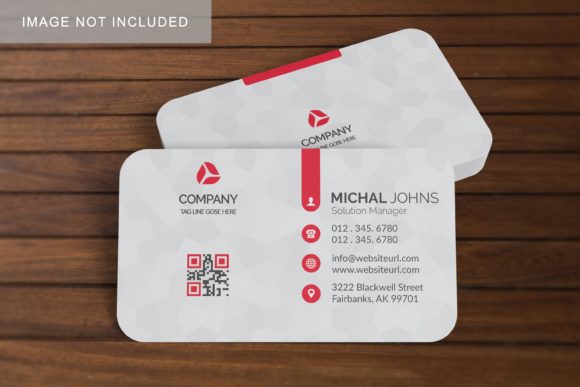
At its core, Business Card Product Mockup V.2 is a digital asset designed for Adobe Photoshop. It serves as a bridge between a flat digital design and a tangible physical object. The primary function of this mockup is to apply a user’s two-dimensional design onto a three-dimensional rendering of a business card. This transformation creates a sense of depth, lighting, and shadow that mimics how the card would look in a real-world setting, such as on a desk, in a hand, or against a textured background.
The mockup is delivered in PSD (Photoshop Document) format, which is the industry standard for editable raster graphics. This choice ensures compatibility with most professional design workflows. The inclusion of smart-object technology is the defining technical feature. Smart objects allow designers to replace the placeholder content with their own artwork without altering the underlying lighting, shadows, or perspective of the scene. This non-destructive editing process preserves the integrity of the 3D effect while enabling rapid iteration of designs.
Key Features and Technical Specifications
When evaluating a mockup, technical specifications dictate its utility and output quality. Business Card Product Mockup V.2 provides several key attributes that support professional-grade outputs:
- High Resolution Output: The file size is set at 3000x2000 pixels with a resolution of 300 DPI. This density is crucial for high-quality printing and sharp display on retina screens. It ensures that when the mockup is exported, the text and fine details of the design remain crisp and legible.
- Smart-Object Integration: As noted, the use of smart objects simplifies the replacement process. Users can double-click the smart-object layer, paste their design, save, and close the window. The mockup automatically updates to reflect the new dimensions and perspective. This feature significantly reduces the time spent on manual masking or warping techniques.
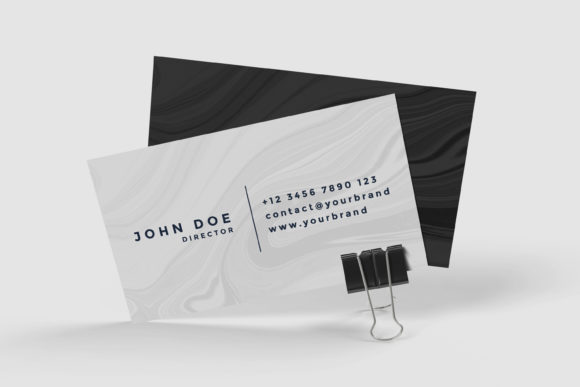
- Changeable Background Color: Versatility in presentation is enhanced by the ability to change the background color. This allows designers to tailor the aesthetic of the presentation to match their brand identity or the mood of the project. Whether a clean white studio look or a dark, moody atmosphere is required, the background can be adjusted easily.
- Supporting Documentation: A PDF help guide is included with the purchase. For users who may be less familiar with advanced Photoshop features like smart objects, this guide provides step-by-step instructions, reducing the learning curve and ensuring a smooth implementation process.
Benefits for Designers and Agencies
The adoption of Business Card Product Mockup V.2 offers distinct advantages for professionals looking to elevate their client presentations. One of the primary benefits is the enhancement of perceived value. A well-rendered mockup suggests attention to detail and professionalism. When a client sees a business card rendered realistically, they are more likely to trust the designer’s capability to handle physical production nuances.
Furthermore, the efficiency gained through smart-object usage cannot be overstated. In a fast-paced agency environment, time is a scarce resource. Manually creating a realistic mockup from scratch can take hours, involving complex layer styles, blend modes, and perspective adjustments. With this mockup, the same result can be achieved in seconds. This speed allows designers to create multiple variations—testing different paper textures, colors, or layouts—without sacrificing billable hours.
Additionally, the ability to quickly iterate supports better decision-making. Designers can present A/B testing options to clients, showing how slight changes in typography or color palette affect the overall perception of the card. This collaborative approach often leads to higher client satisfaction and fewer revision cycles later in the production phase.
Considerations and Potential Limitations
While Business Card Product Mockup V.2 is a robust tool, it is important to understand its limitations to manage expectations. First, the reliance on Adobe Photoshop means that users must have access to this software. While Photoshop is ubiquitous in the industry, freelance illustrators or hobbyists using free alternatives like GIMP or Affinity Photo will not be able to utilize the smart-object features effectively. They may need to rely on external tools to flatten images or manually adjust layers, which defeats the purpose of the streamlined workflow.
Secondly, the realism of any mockup depends on the source image quality. While the 300 DPI resolution is high, the lighting and texture of the mockup are fixed. If a designer requires a highly specific environmental context—such as a business card resting on a unique material like rough concrete or wet wood—they may find the provided backgrounds limiting. The "changeable background-color" feature is useful but basic; it does not offer complex scene integration or AI-generated environments.
Finally, users should consider the aspect ratio. At 3000x2000 pixels, the mockup is optimized for landscape presentations. If a designer needs a vertical format for mobile viewing or social media stories, they may need to crop the image, potentially losing some contextual elements around the card. Understanding these constraints helps in selecting the right tool for the specific deliverable.
Situational Fit: When to Use This Mockup
Business Card Product Mockup V.2 is particularly well-suited for situations requiring quick, high-quality visualizations. It is an ideal choice for:
- Portfolio Presentations: Designers building their online portfolios can use this mockup to display their best work in a polished, professional manner.
- Client Proposals: During pitch meetings, having a realistic preview of the business card can help secure approval by demonstrating the final look.
- Social Media Content: The high resolution and clean aesthetic make it suitable for sharing on platforms like Instagram or LinkedIn to attract potential clients.
Conversely, if a project requires extreme customization of the environment, or if the user lacks access to Photoshop, alternative solutions such as online mockup generators or vector-based templates might be more appropriate. However, for those already working within the Adobe ecosystem, Business Card Product Mockup V.2 represents a practical, efficient, and visually compelling asset.
Conclusion
Business Card Product Mockup V.2 stands out as a functional and reliable tool for graphic designers focused on print collateral. Its strength lies in its simplicity and efficiency, driven by smart-object technology and high-resolution output. By reducing the technical barriers to creating realistic presentations, it allows designers to focus on the creative aspects of their work. For professionals seeking to enhance their client communications and streamline their workflow, this mockup is a valuable addition to their digital toolkit.